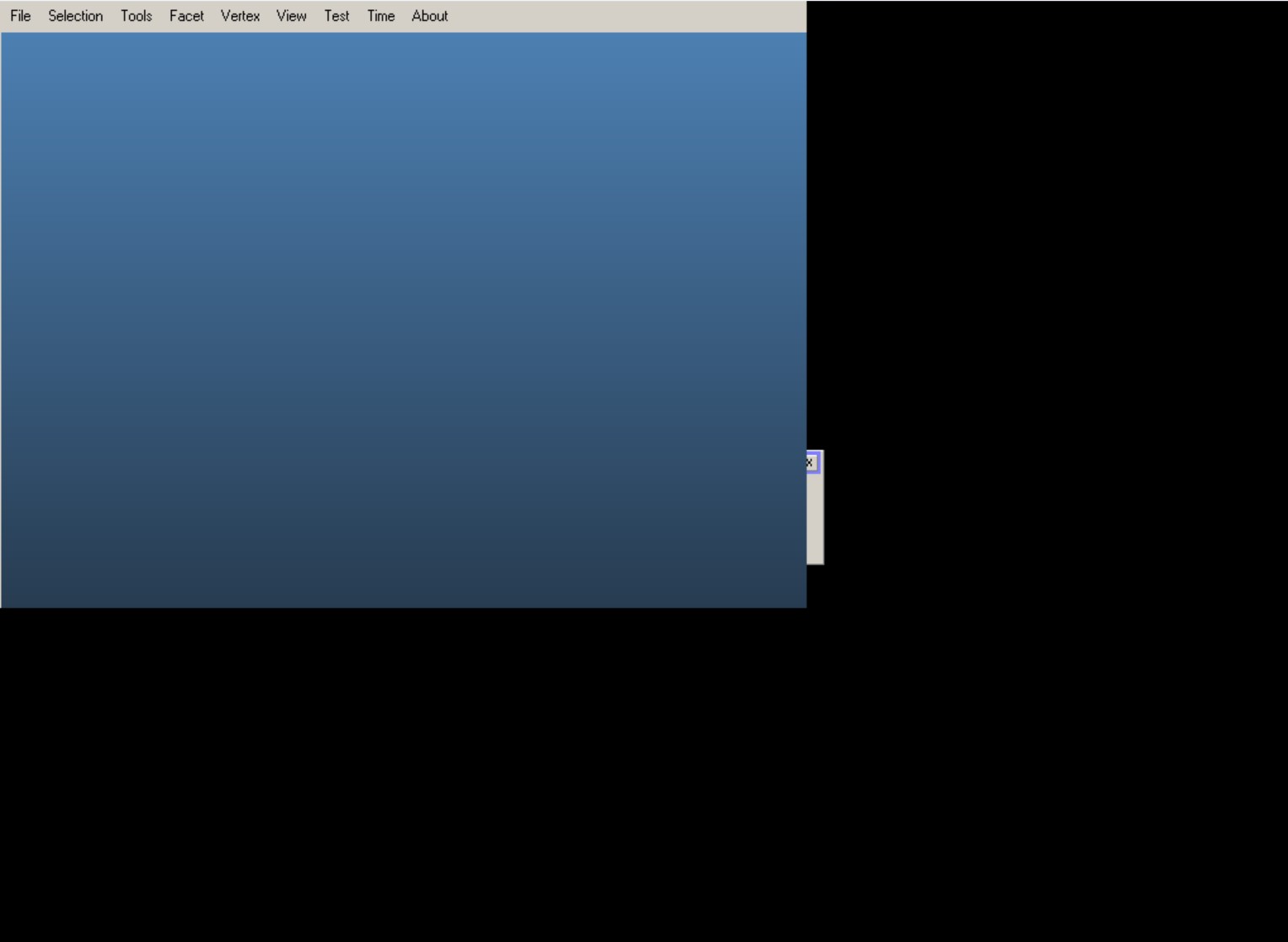
Hello, I have installed Molflow v2.9.27 on windows 11. However, when I launch the program, it opens a window and then crashes. I have attached the screenshot below.
I have tried deleting the four files mentioned on the installation webpage ( vcruntime140.dll , vcruntime140_1.dll , msvcp140p.dll and vcomp140.dll) and downloading the ‘Microsoft Visual C++ redistributable (x64 version)’. Still the issue persists.
Does anybody know what can be done to solve this issue?
We suspect it’s an AMD display driver issue, as users who report it are all on AMD. We can’t debug this as we are all on Intel at Cern.
If you build from source and run molflow in Visual Studio in debug mode, you can tell us where the offending line causing the crash is. This will help everyone else as probably we’ll be able to figure out a fix.
I will try to build and run it from the source. In the mean time, I downloaded the 2.8.12. This version is working perfectly fine with my configuration.
This problem is caused by AMD graphic driver (both builded on CPU and dedicated card). If you use intel graphic or Nvidia graphic, you would not have the problem.
I tried to solve the problem for some time. Finally, i found solution. First, I did email @maarton almost a years ago to consult this problem and I learned that molfow run on OpenGL. Second I got a clue in another post Molflow.exe and atio6axx.dll error - #2 by maarton
Mesa3D would be a solution but I know nothing about how to building it. Fortunately, I found Mesa3D For Windows - Federico Dossena and give a try and it working.